
Supported Data Types
For each data type used in Simon, we list the corresponding JSON and Snowflake types and the corresponding supported operators in the Simon Segment Builder. All Simon data types are nullable.
Boolean
A true/false indicator
- JSON: Boolean
- Snowflake: BOOLEAN
- Supported operators: is true, is false, is null, is not null
Float
Floating-point number
- JSON: Number
- Snowflake: FLOAT
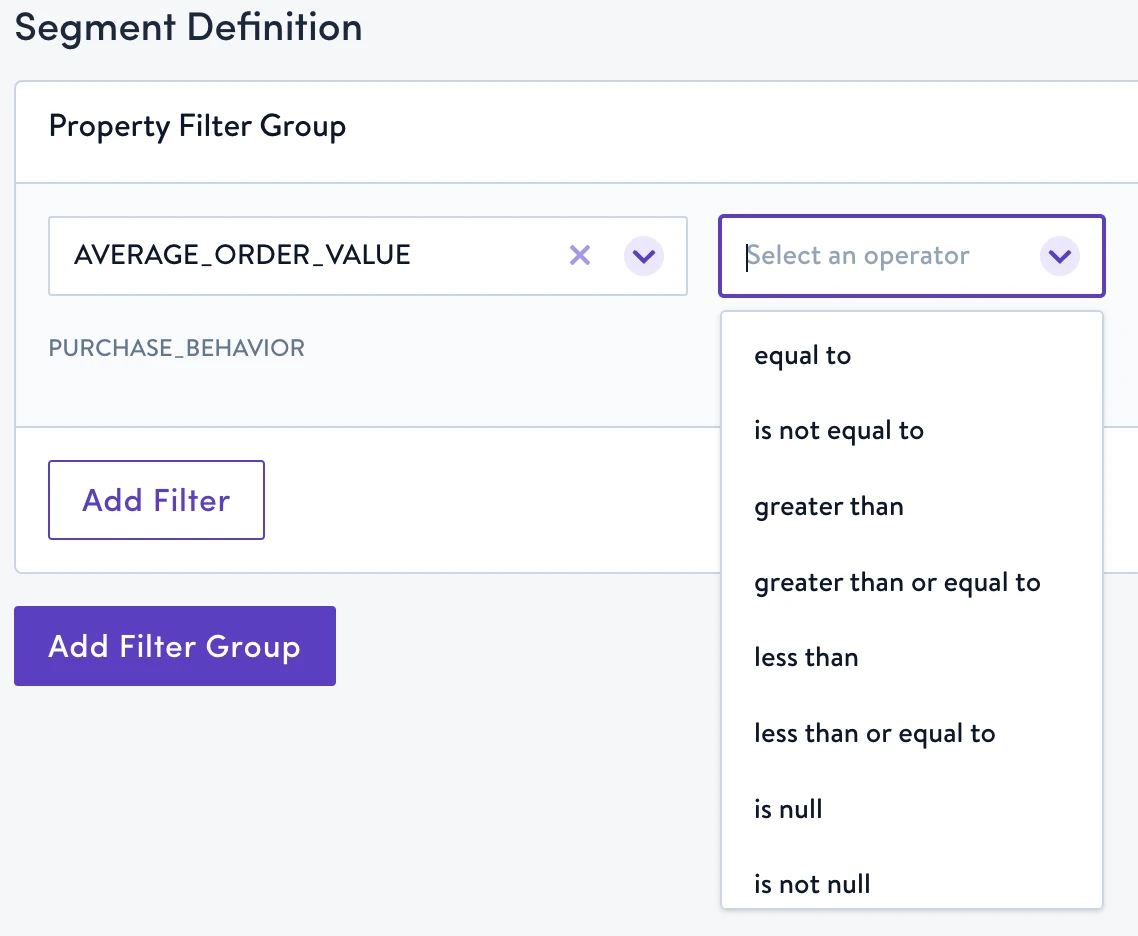
- Supported operators: equal to, is not equal to, greater than, greater than or equal to, less than, less than or equal to, is null, is not null
Integer
Integer-valued number
- JSON: Number
- Snowflake: INTEGER
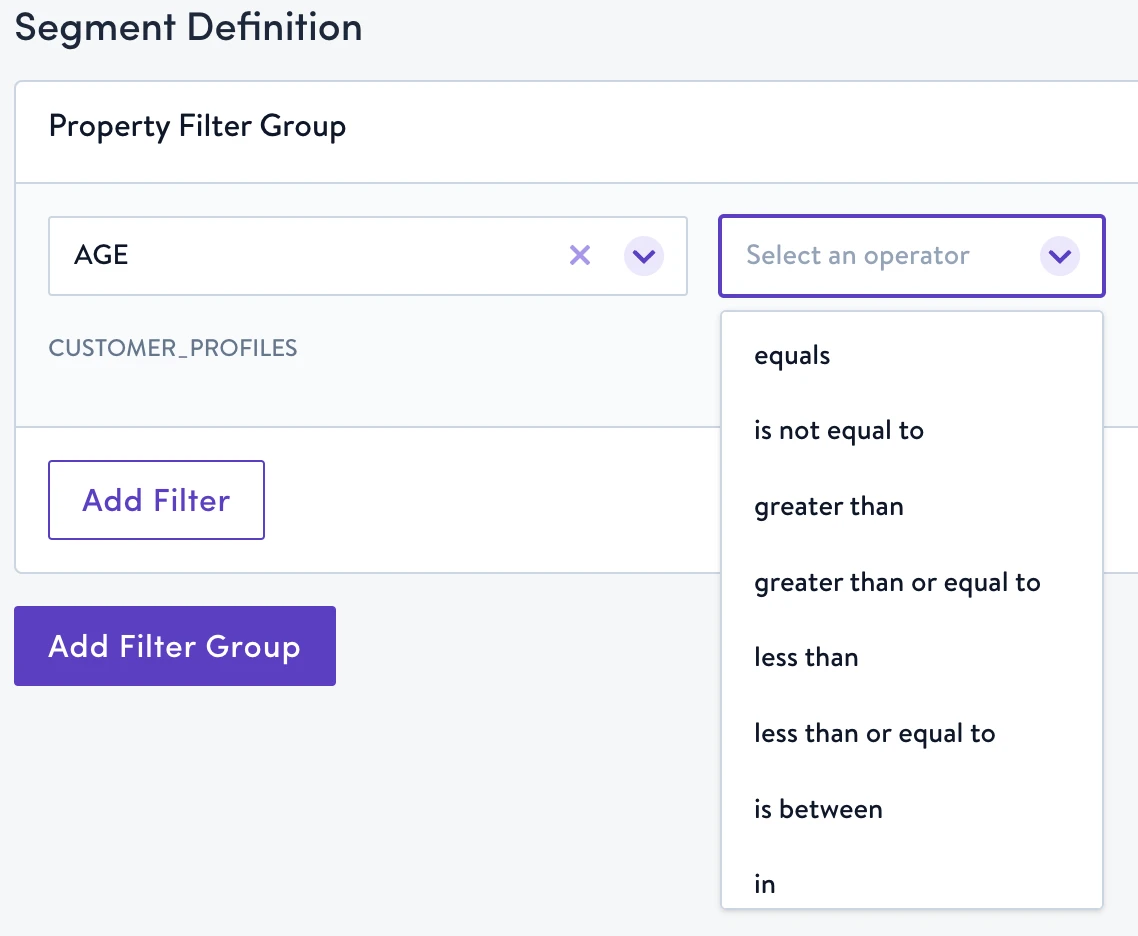
- Supported operators: equal to, is not equal to, greater than, greater than or equal to, less than, less than or equal to, is between, in, is null, is not null
String
A fixed-length sequence of Unicode characters
- JSON: String
- Snowflake: VARCHAR
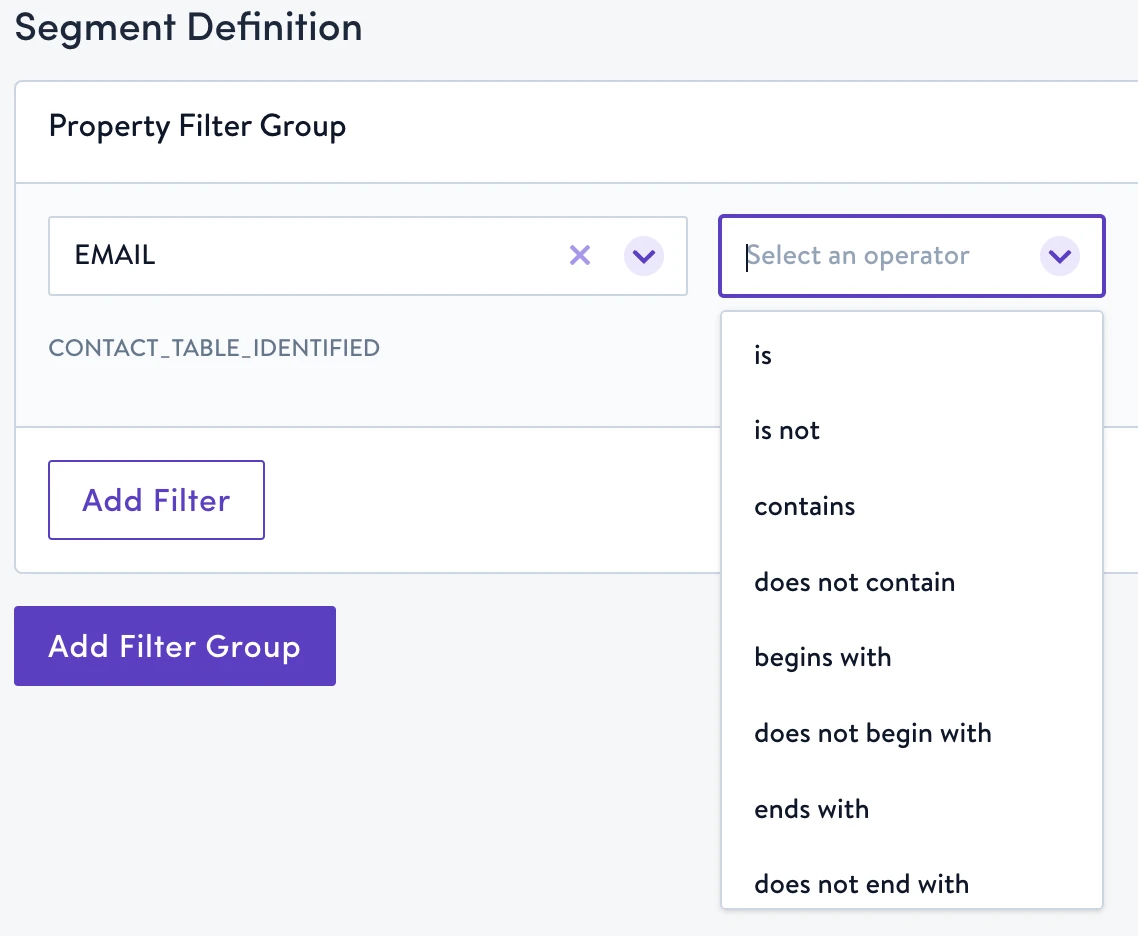
- Supported operators: is, is not, contains, does not contain, begins with, does not begin with, ends with, does not end with, in, like, is null, is not null
Timestamp
Timestamp encoded as ISO 8601 string
- JSON: String
- Snowflake: TIMESTAMP
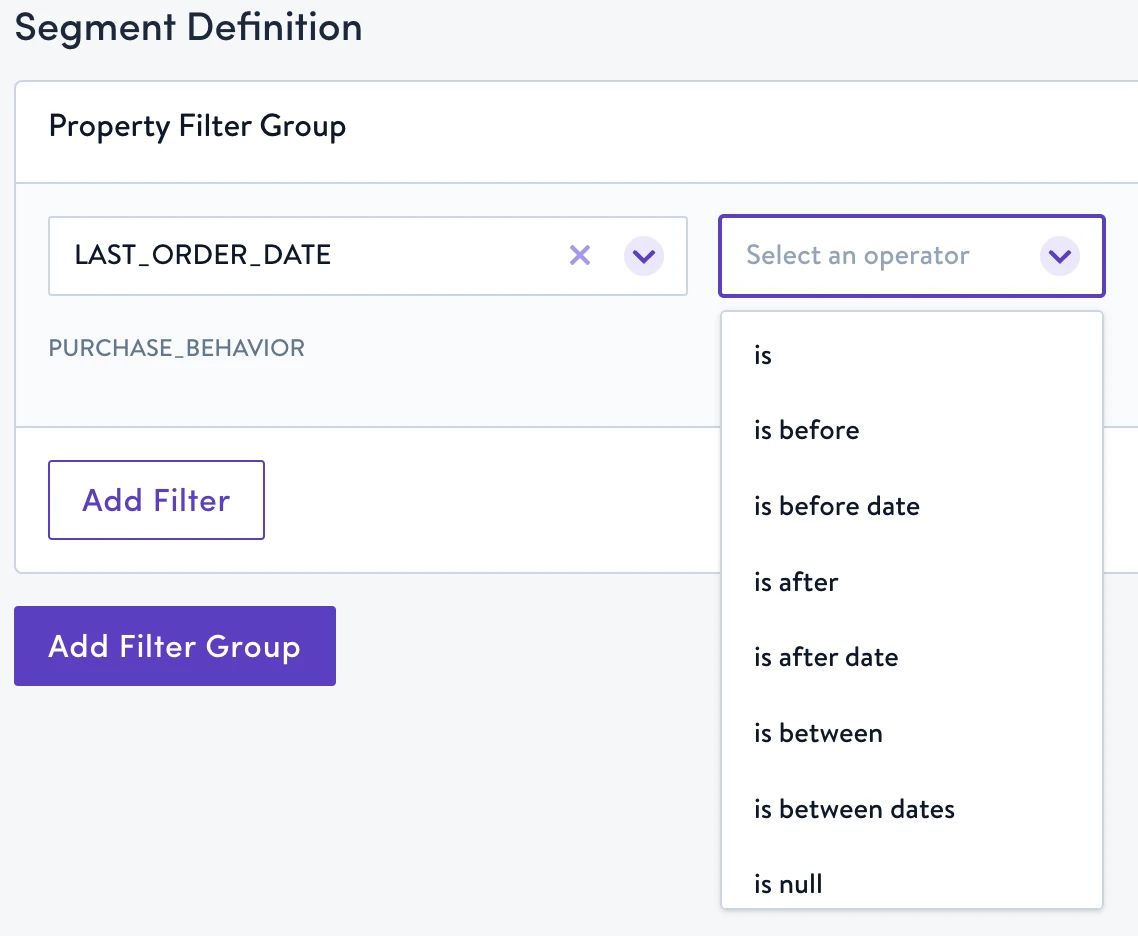
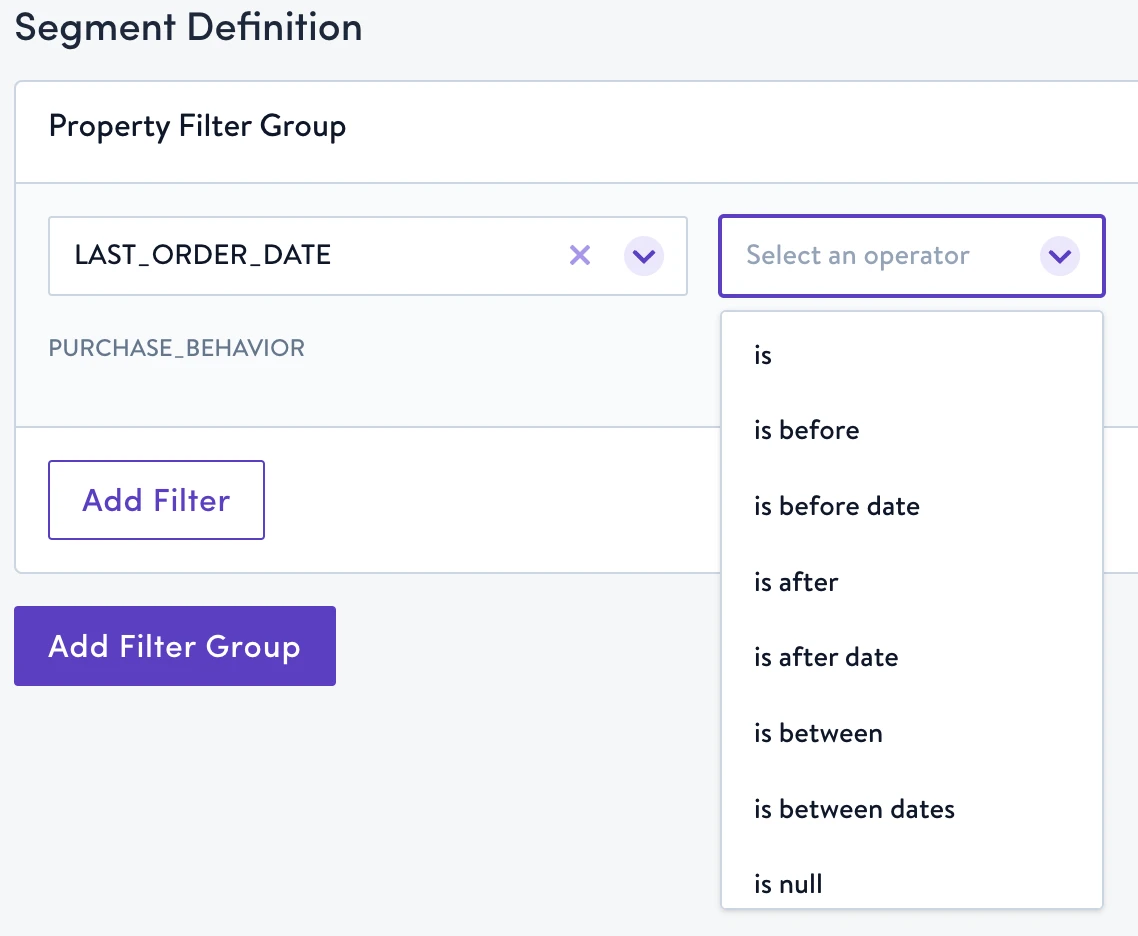
- Supported operators: is, is before, is before date, is after, is after date, is between, is between dates, is null, is not null
Arrays
Arrays are groups, or lists, of related strings.
- JSON: String
- Snowflake: ARRAY
- Supported operators: includes, does not include, is available, is not available
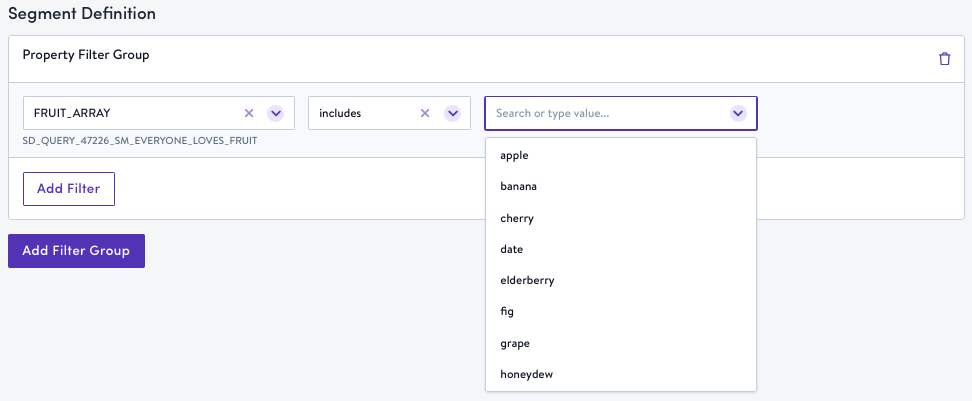
Native ARRAY columns onlyArray operators are only available for columns with a native Snowflake ARRAY data type. VARCHAR columns that store comma-separated values (for example,
"value1,value2,value3") are detected as String type and show string operators instead.To get array operators for a VARCHAR column, convert it to a native Snowflake ARRAY type. Simon will automatically detect it as an Array on the next schema refresh.
In the meantime, you can use the contains string operator to search within comma-separated values.
Updated 5 months ago