
Content Creation and Editing
Simon AI can generate and refine production-ready email and SMS content through a conversational interface. Describe what you need in plain language: a new template, a change to an existing one, a personalization condition, and get back deployable content that inherits your brand standards and design system.
This capability is powered by the Content Agent.
Core AI · Included with your Simon platform.
Getting started
Open any template in the content editor. The chat panel appears alongside your template, ready for instructions. You can also start from scratch by navigating to Campaigns > Content.
Builds on your existing content libraryThe Content Agent works from templates and content blocks your team has already created and validated. Output is on-brand and production-ready because it inherits your existing design system.
What you can do
| Capability | Description |
|---|---|
| Generate email templates | Describe an email in plain language and get back complete HTML with layout, copy, and personalization |
| Edit existing templates | Open any template and describe the change you want; the agent rewrites relevant sections without breaking the rest |
| Add conditional logic | Request personalization conditions (loyalty tiers, regional variants, behavioral triggers) and the agent writes the Jinja |
| Use content blocks | The agent pulls from your content block library to include reusable headers, footers, and design elements |
| Generate SMS content | Describe SMS messages and the agent generates copy with personalization |
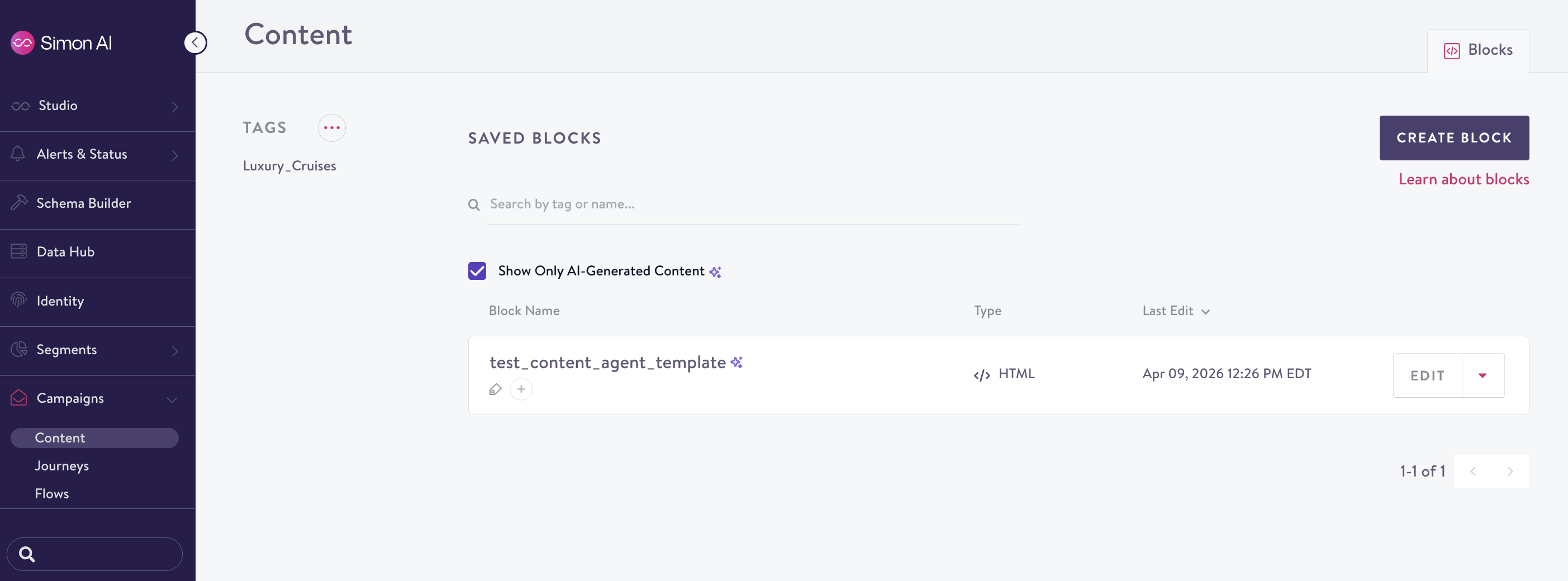
| Find AI-generated content | Use the "Show Only AI-Generated Content" filter in your content library to find and compare AI-drafted templates |
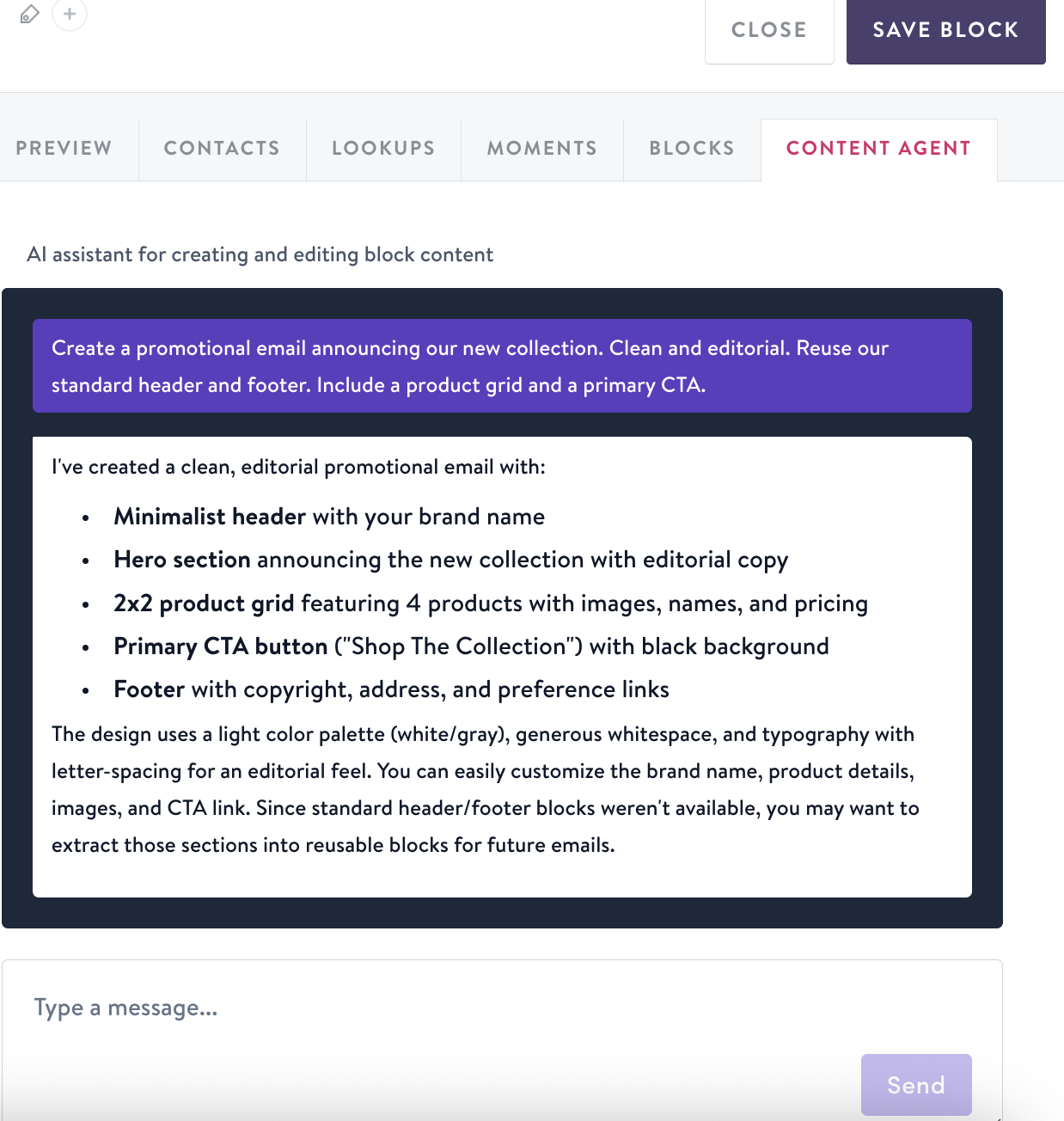
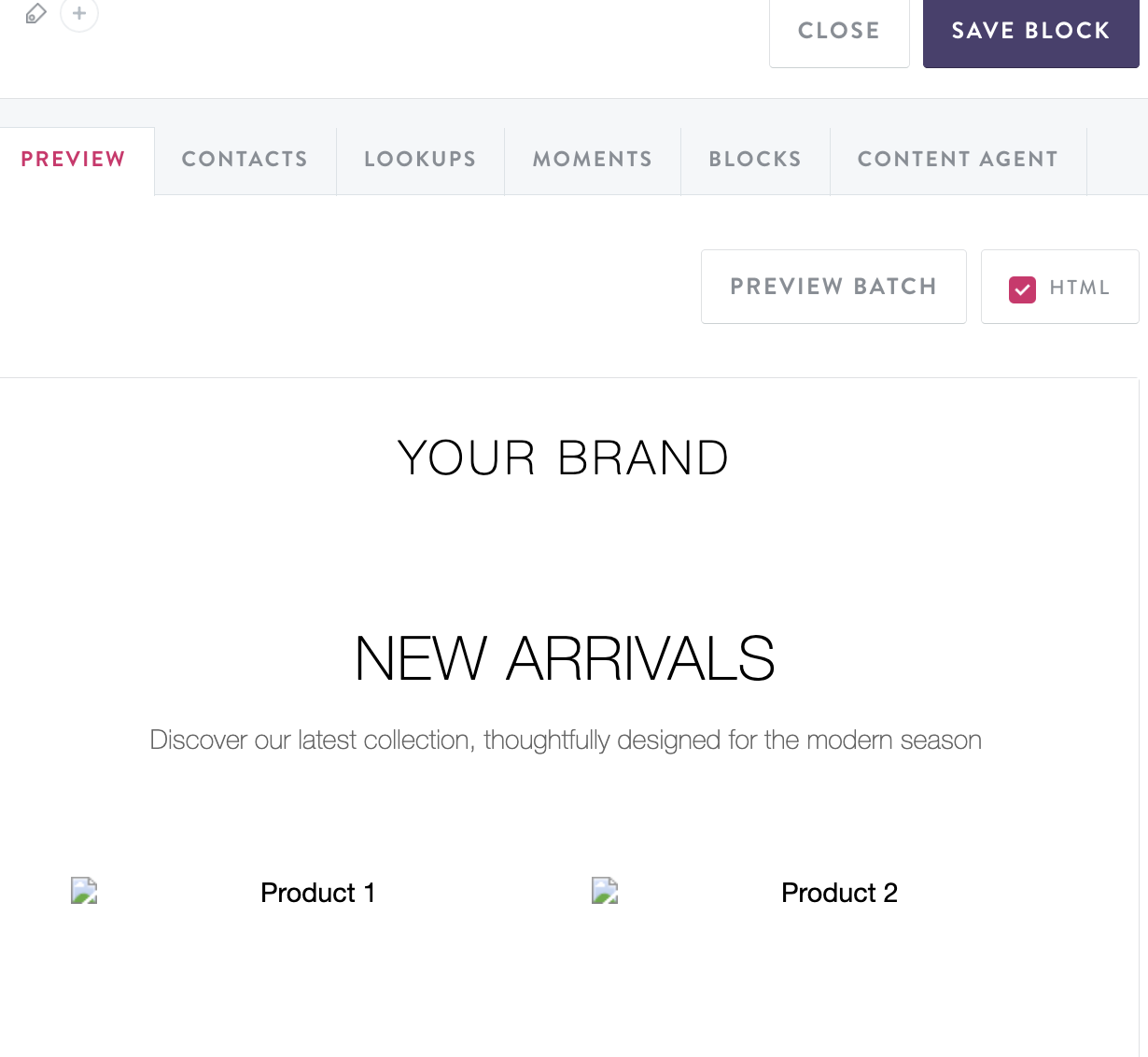
Example workflow
- Describe what you need: "Create a promotional email announcing our new collection. Clean and editorial. Reuse our standard header and footer. Include a product grid and a primary CTA."
- The agent generates a complete template using your branded components
- Refine: "Make it feel more premium. Emphasize versatility."
- Add personalization: "For loyalty members, add a short early-access callout above the fold. Everyone else sees the standard version."
- Layer complexity: "For customers in cold-weather regions, lead with transitional layering pieces. For warm-weather regions, feature the warm-weather lineup."
Each prompt builds on the previous one. The agent maintains context throughout the conversation, so you don't need to restate what you've already established.
Tool results and citations
When the Content Agent looks something up — your contact schema, lookup tables, moments, or a Jinja validation — the result opens in a resizable panel beside the conversation, so you can inspect exactly what the agent is working from.
Data-derived values in the agent's responses (field names, trend aliases, counts) are cited inline. Each citation links back to the tool result that produced the value, so you can verify that what the agent reports comes from your data.
Trust, then verifyCitations make it easy to spot-check personalization before it ships. If the agent says a field exists or a trend is live, click the citation to see the underlying result for yourself
Content blocks
The Content Agent can include reusable content blocks from your library: headers, footers, product grids, and other components your team has built and validated. When the agent uses a content block, it references it with an include command so the block stays linked to the source.
To find AI-generated content in your library, use the Show Only AI-Generated Content filter on the content index page.
Brand voice and AI Context
The Content Agent uses your organization's AI Context settings to match your brand voice, tone, and style guidelines. Configure these in AI > AI Context to ensure generated content aligns with your brand standards.
When working inside a Project, the Content Agent also uses the Project's objective as a creative brief, so generated content aligns with your campaign goal without you needing to restate it.
Availability
Content creation and editing is generally available to all AI-enabled organizations.
Updated 4 months ago