
Sync Tag to Rokt User Attribute
Overview
The Sync Tag to Rokt User Attribute action keeps your Rokt audiences in sync with your Simon segments automatically. When a contact enters your flow, Simon tags them as part of the audience in Rokt. When they exit, the tag is removed.
The audience tag name is derived from your Simon segment name — no configuration required.
Notes
- The audience tag name is set automatically from your Simon segment name.
- Contacts must have at least one of the following identity fields mapped in Simon: email address, SHA-256 hashed email, or customer ID. Contacts without any of these will be skipped.
- Optional demographic fields — first name, last name, phone number, city, state, zip code, gender, and date of birth — are passed to Rokt when available.
How to use Sync Tag to Rokt User Attribute
- Create a stream flow.
- Click Add Destination.
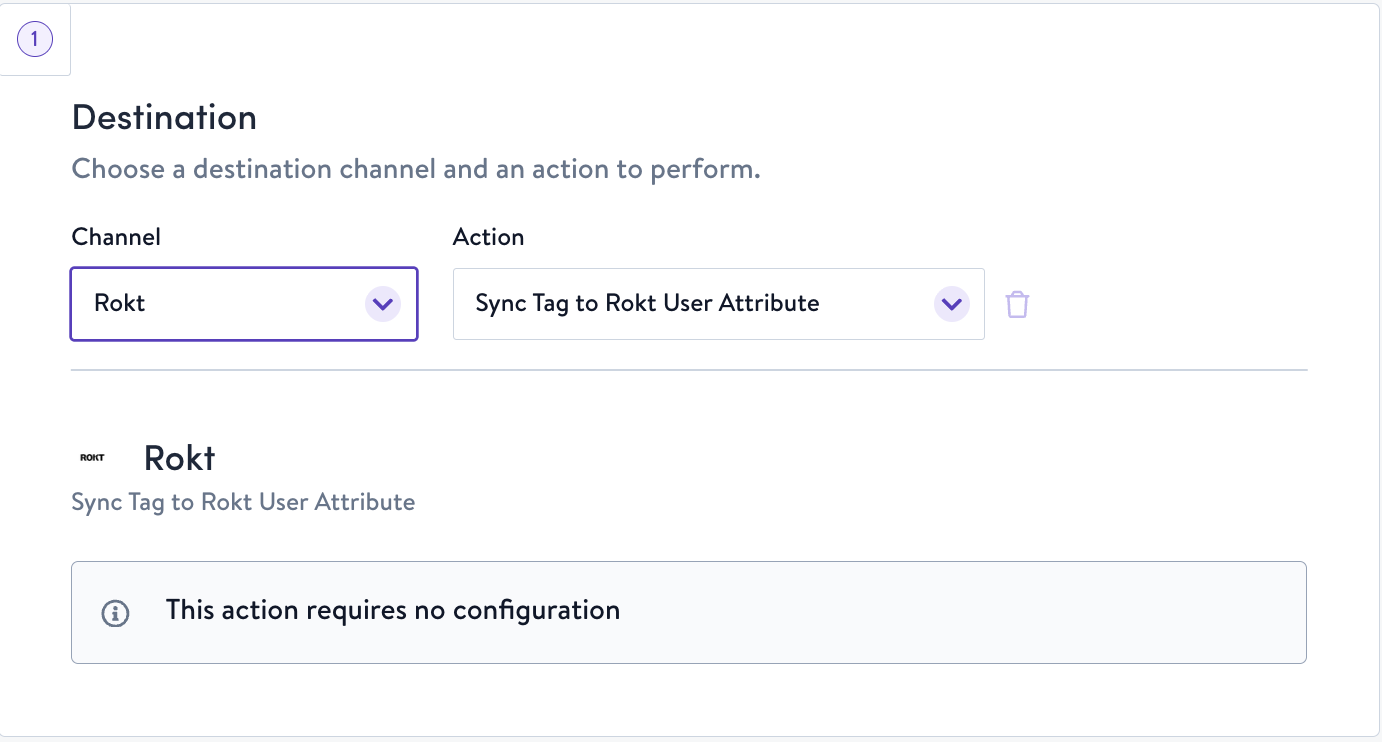
- Choose Rokt, then Sync Tag to Rokt User Attribute.
Configuration Parameters
There are no parameters to configure for this action. The audience tag name is set automatically from your segment name.
How this action functions by flow type
| Flow Type | Behavior |
|---|---|
| One-Time | Not supported |
| Triggered | Not supported |
| Stream | Adds the Rokt audience tag when contacts enter your segment; removes it when they exit. |
| Recurring | Not supported |
Updated 6 months ago
Did this page help you?